From Blank Screen to Play Store: Why Building 15+ Real Apps is the Only Way to Master Android Development
If you have ever tried to learn programming, you probably know the feeling. You spend hours watching a perfectly structured video tutorial. The instructor writes a few lines of code, the app compiles beautifully, and it all makes complete sense. You nod along, feeling like a coding genius.
Then, you open a brand new project in Android Studio. A completely blank screen stares back at you. Suddenly, your mind goes entirely blank. You don’t know where to start, how to structure the folders, or even how to link your XML layout to your Java backend.
This is called “Tutorial Hell,” and it is the single biggest trap aspiring developers fall into today. We consume endless theory, copy-paste snippets, and memorize syntax, but we never develop the critical problem-solving muscles required to build a real product from scratch.
The journey from passively watching someone else code to actively writing your own logic is the hardest leap in computer science. Many students spend months, or even years, trapped in this cycle. They buy course after course, hoping the next one will finally be the “magic bullet” that makes everything click. But the truth is, passive learning does not create active engineers.
The Gap Between Academic Theory and Real-World Building
Over my 20 years of teaching in university classrooms and lecturing on advanced computer science topics, I have seen this phenomenon firsthand. Students can pass written exams on Object-Oriented Programming, and they can define polymorphism perfectly on a whiteboard. But when asked to build a functional, multi-screen mobile application that doesn’t crash when you rotate the phone, they freeze.
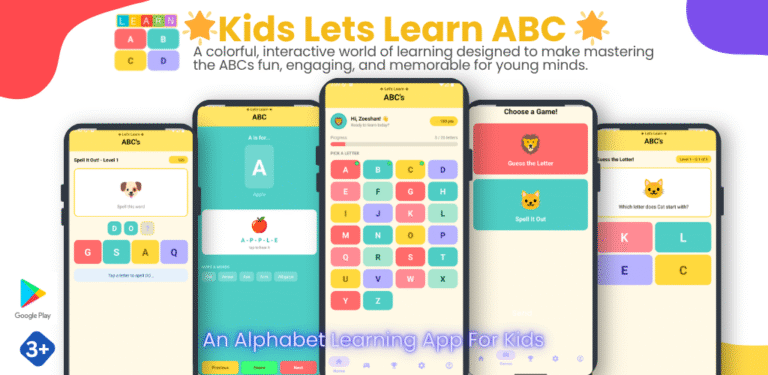
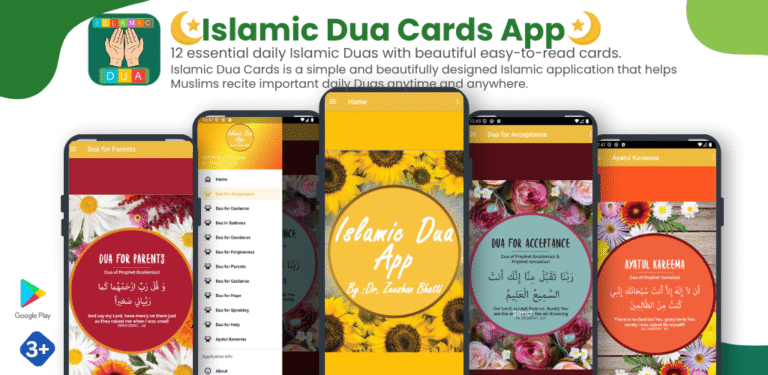
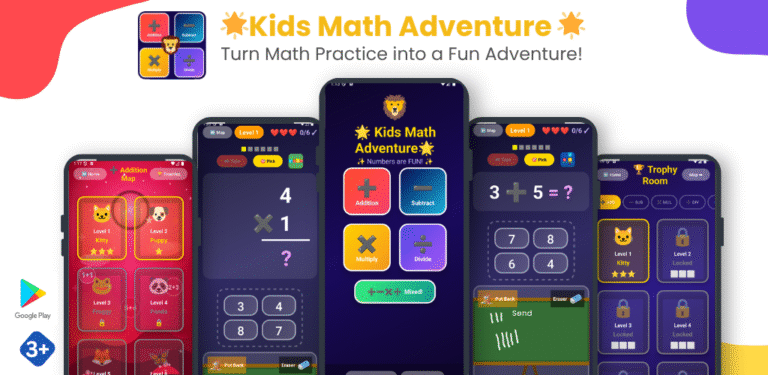
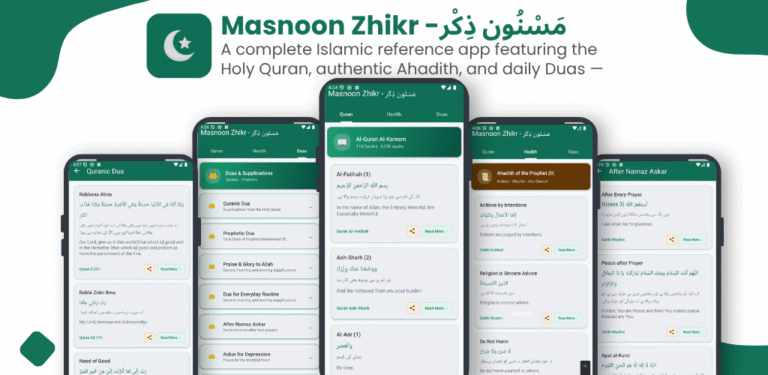
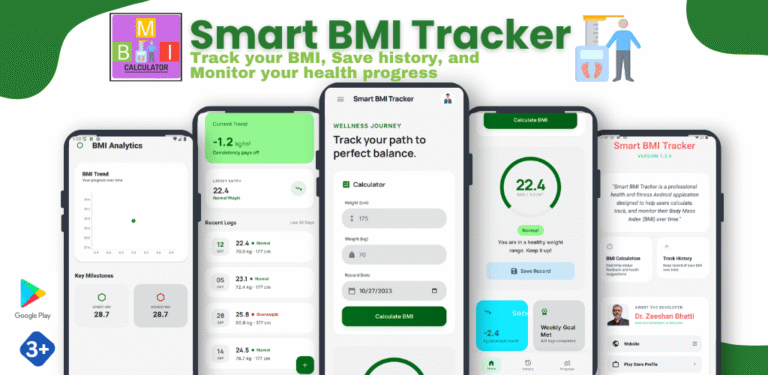
Having actively developed and published 12 of my own mobile applications on the Google Play Store, I know what the tech industry actually demands. Clients on Upwork and hiring managers at software houses do not care if you have memorized every single Java library. They care about one thing: Can you build it?
That is why I realized that the traditional way of teaching Android development is broken. The only way to become a proficient mobile engineer is through ruthless, hands-on, project-based execution. You cannot learn to swim by reading a book about water; you have to jump in.
Course Announcement: I have just launched Mobile Application Development using Android Studio (Java). It is not a theoretical lecture series. It is a rigorous, beginner-to-advanced masterclass where we build over 15 real, functional apps together.
The Elephant in the Room: Why Java and XML in 2026?
Whenever I discuss mobile development, the first question I get from eager students is: “Shouldn’t we start with Kotlin and Jetpack Compose? Isn’t Java outdated?”
This is a dangerous misconception propagated by flashy tech influencers. Yes, Kotlin is a fantastic, modern language, and Jetpack Compose is the future of declarative UI. However, jumping straight into the newest frameworks without understanding the foundation is like trying to build a skyscraper without pouring the concrete.
Here is the reality of the software engineering job market in 2026:
- Legacy Codebases: Millions of production apps currently sitting in the Google Play Store were built using Java and XML. Banks, healthcare platforms, and massive enterprise systems do not rewrite their entire codebase every time a new language trends on Twitter. They hire developers who can read, maintain, and upgrade Java.
- Core Architecture: Android’s core APIs and the entire lifecycle of an Activity were originally designed around Java and Object-Oriented Programming paradigms. When you master Java, you understand exactly how the Android operating system thinks.
- The Easy Transition: If you master Java and XML, learning Kotlin takes a few weeks. The concepts are identical; only the syntax changes. But if you only know Kotlin, attempting to debug a massive 5-year-old Java enterprise app will be a nightmare.
Mastering this foundation makes you a stronger, more versatile Android developer. You become the engineer who understands why the code works, not just how to write it.
What Building 15+ Apps Actually Teaches You
When you join the Mobile Application Development using Android Studio (Java) course, we abandon the whiteboard. From week one, we are writing code. We start small, but we scale rapidly.
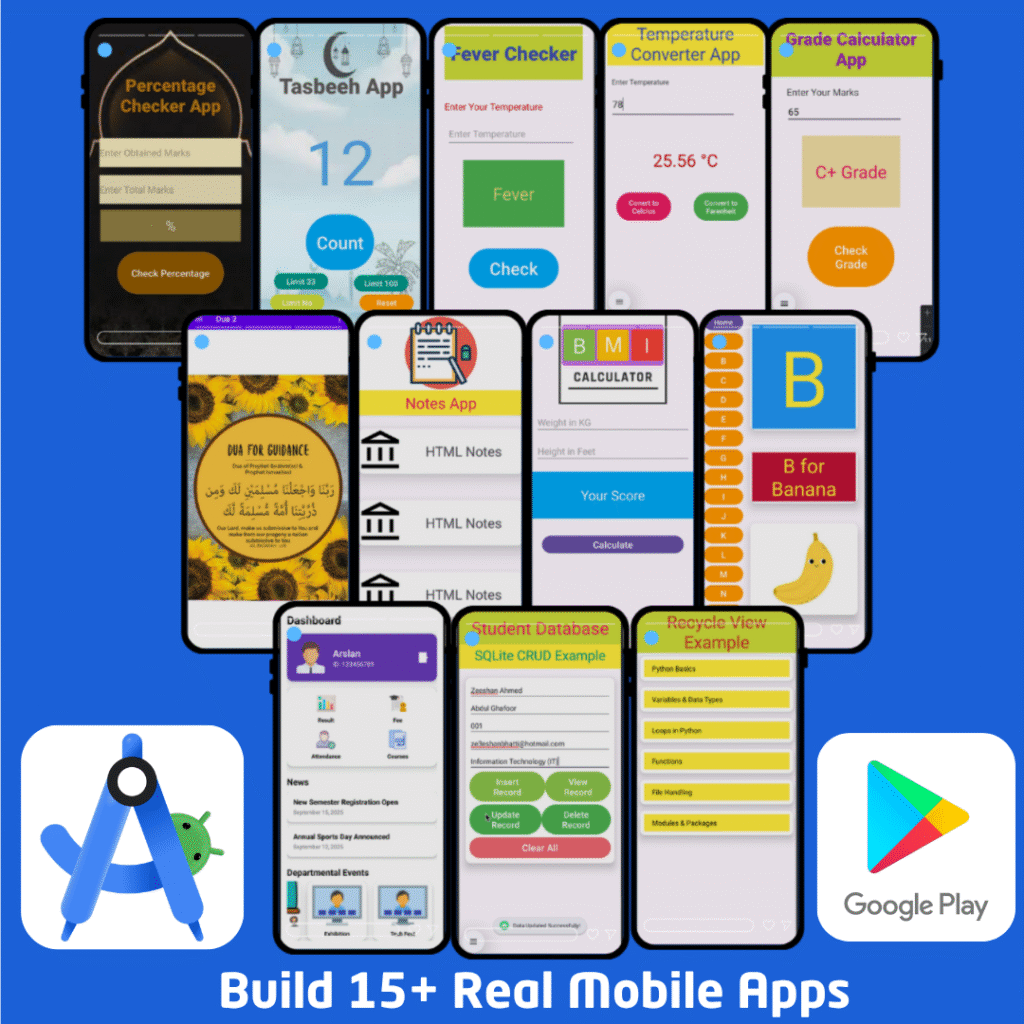
Here is what happens when you commit to a project-based workflow:
1. You Master the Environment
Android Studio is an incredibly powerful, but intimidating, piece of software. By repeatedly creating new projects, setting up Gradle builds, managing the Android Manifest, and running the emulator, the environment becomes second nature. You stop fighting the IDE and start using it as a tool.
2. You Understand State and Data
We build a Calculator app, which sounds simple until you realize you have to handle user input dynamically. We build a To-Do List and a Notes app, forcing you to learn how to persist data so it doesn’t disappear when the app closes. You learn exactly how the Java backend communicates with the XML frontend.
3. You Build Real-World Features
As the course progresses, the training wheels come off. We dive into:
- Login & Registration Apps: Handling secure user authentication flows.
- Multi-Activity Applications: Navigating between screens and passing complex data using Intents.
- Dynamic List Apps: Implementing
RecyclerView—one of the most complex but vital components in Android to display long lists of data efficiently without crashing the phone’s memory. - Quiz Apps: Managing complex state, timers, and score calculations.
By systematically building these features, you stop seeing mobile apps as magic and start seeing them as structured data and logical flows. You learn how to debug your own errors, read stack traces, and implement solutions independently.
Learning in Your Own Language
Programming is hard enough without having to mentally translate the instructor’s words. Despite authoring extensive academic material in English, I specifically chose to record the core lectures of this masterclass in Urdu/Hindi.
I want you to focus 100% of your cognitive energy on understanding loops, arrays, classes, and UI layouts—not trying to decipher a foreign accent. When complex computer science concepts are explained in your native language, the “aha!” moments happen much faster.
Your Portfolio is Your Resume
By the time you complete this course, you will not just have a certificate of completion (though you will get one). You will have a folder on your computer containing 15 distinct, fully functional Android applications.
When you apply for an internship, a junior developer role, or bid on a freelance project, you won’t have to say, “I know Java.” You will simply open your phone and say, “Look at what I built.” That is the ultimate proof of competence.
Are you ready to stop watching theory and start building?
Join the Masterclass Today and Start Building
Build 15+ Apps. Master Java & XML. Launch Your Career.
About the Author: Dr. Zeeshan Bhatti is a Professor of Information Technology with over 20 years of academic and professional software engineering experience. He holds a PhD in IT and is the author of over 60 research articles and 5 textbooks. He has developed and published multiple mobile applications and desktop automation tools. Through his courses, he bridges the gap between advanced academic computer science and practical, industry-ready development[cite: 1].
About The Author